Stop asking “where did you send that place?”
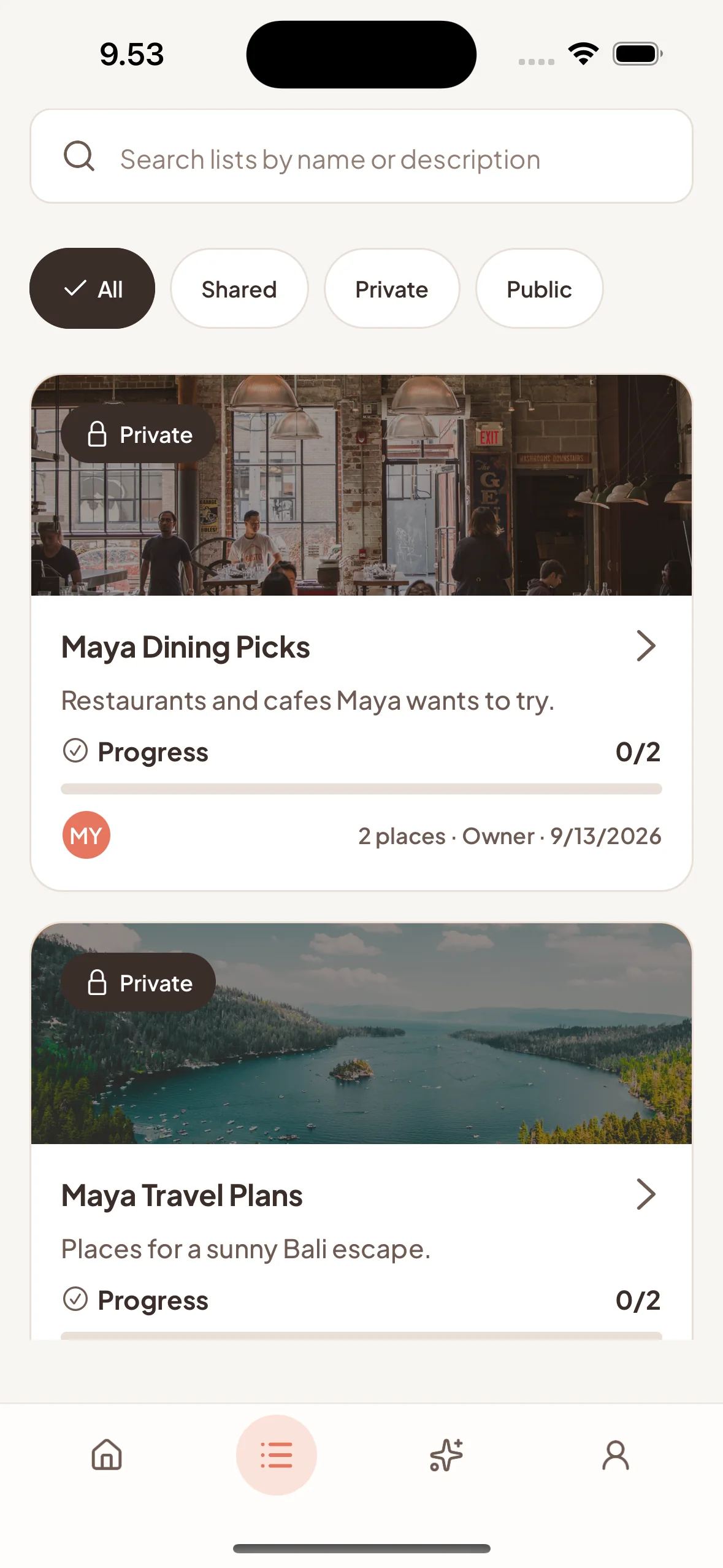
For every “we should go there”One shared list for every place you both want to try — no more digging through chats.
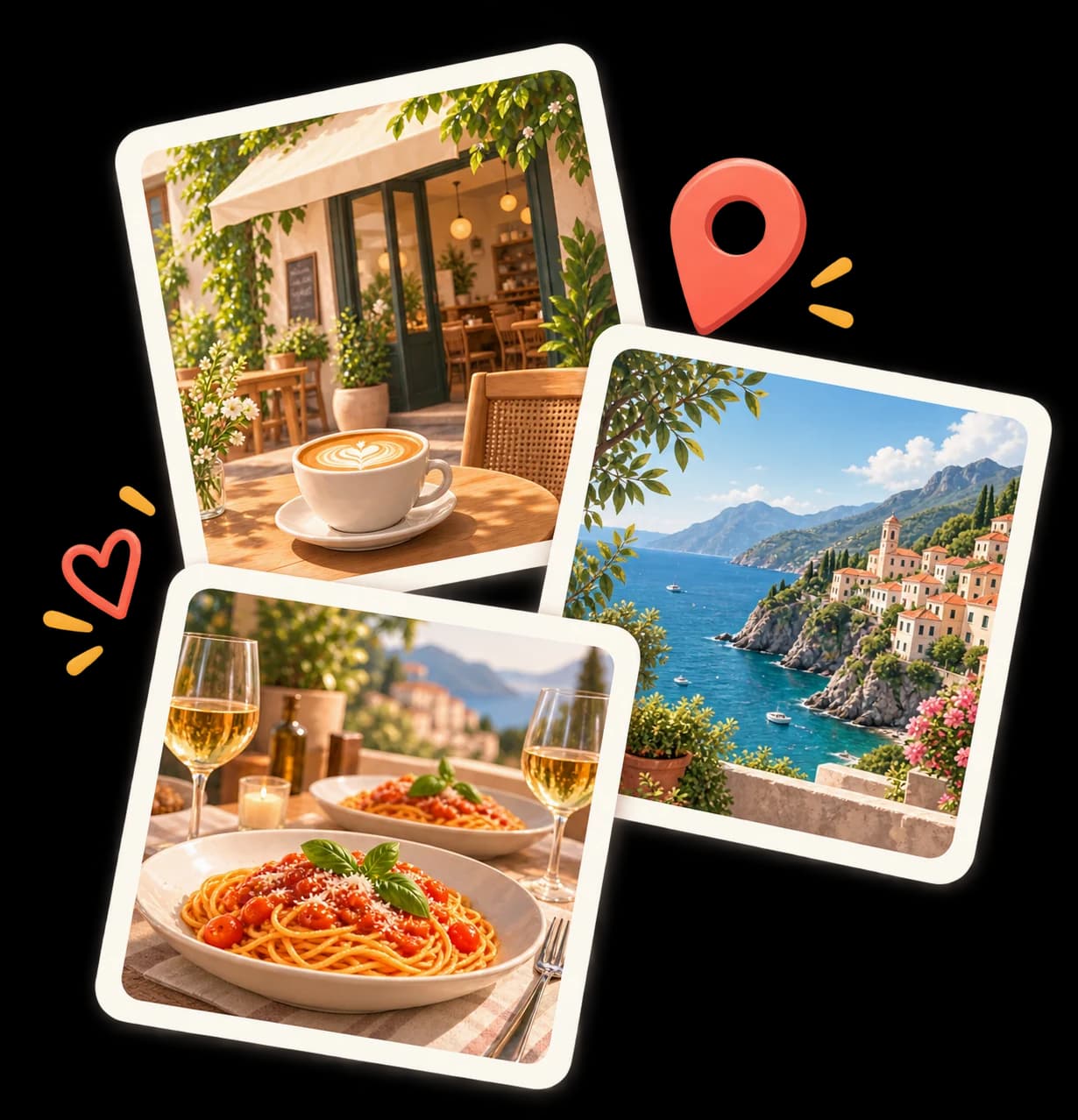
The plan didn’t disappear. It just got buried.
The restaurant was in an Instagram DM. The bar was a TikTok save. The “we have to try this” was a screenshot somewhere in your camera roll. So when Friday comes around, you’re back to asking the same question.
Wait, where did you send that place?

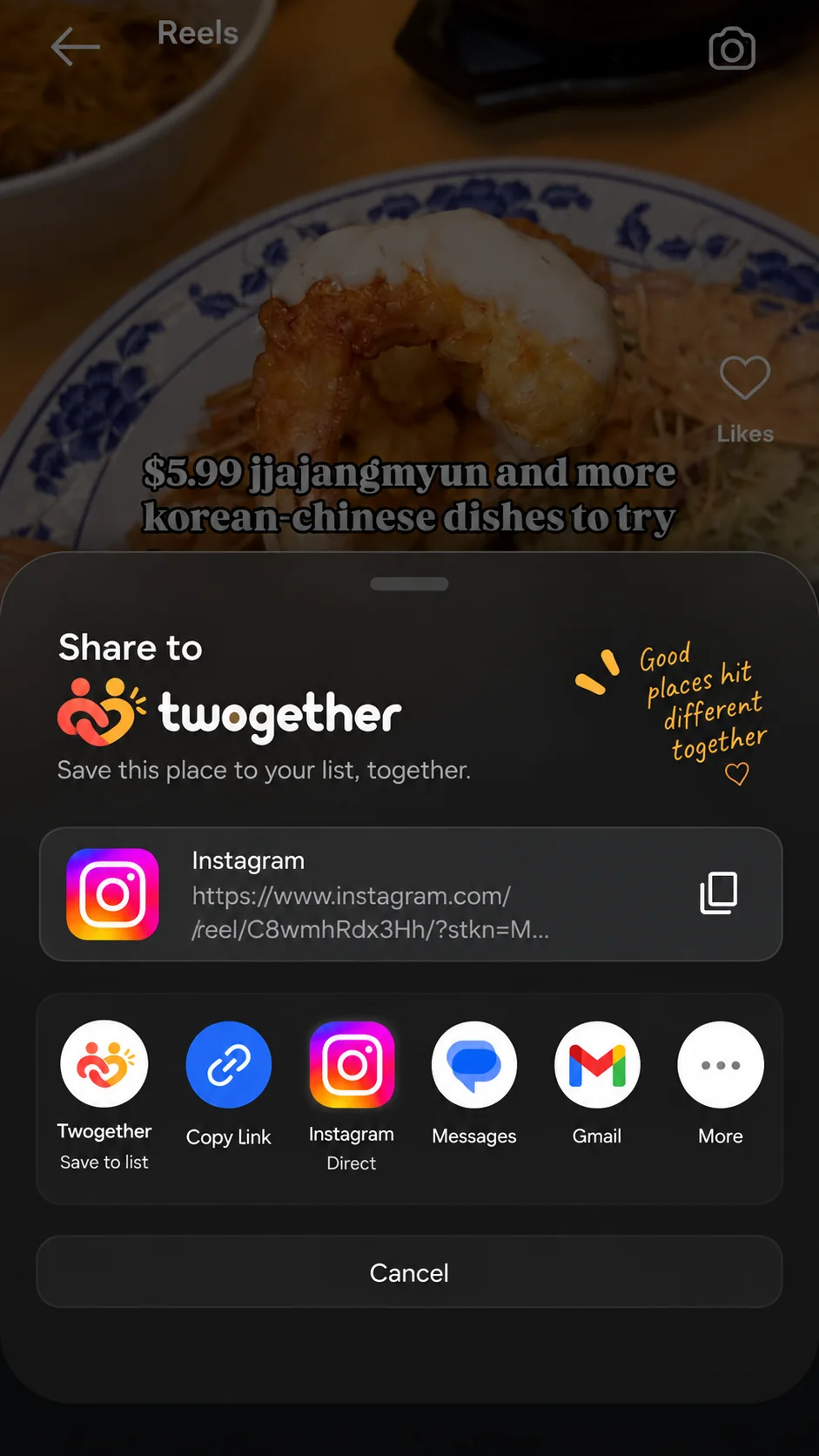
HOW IT WORKS
Your next plan is already in your scroll.
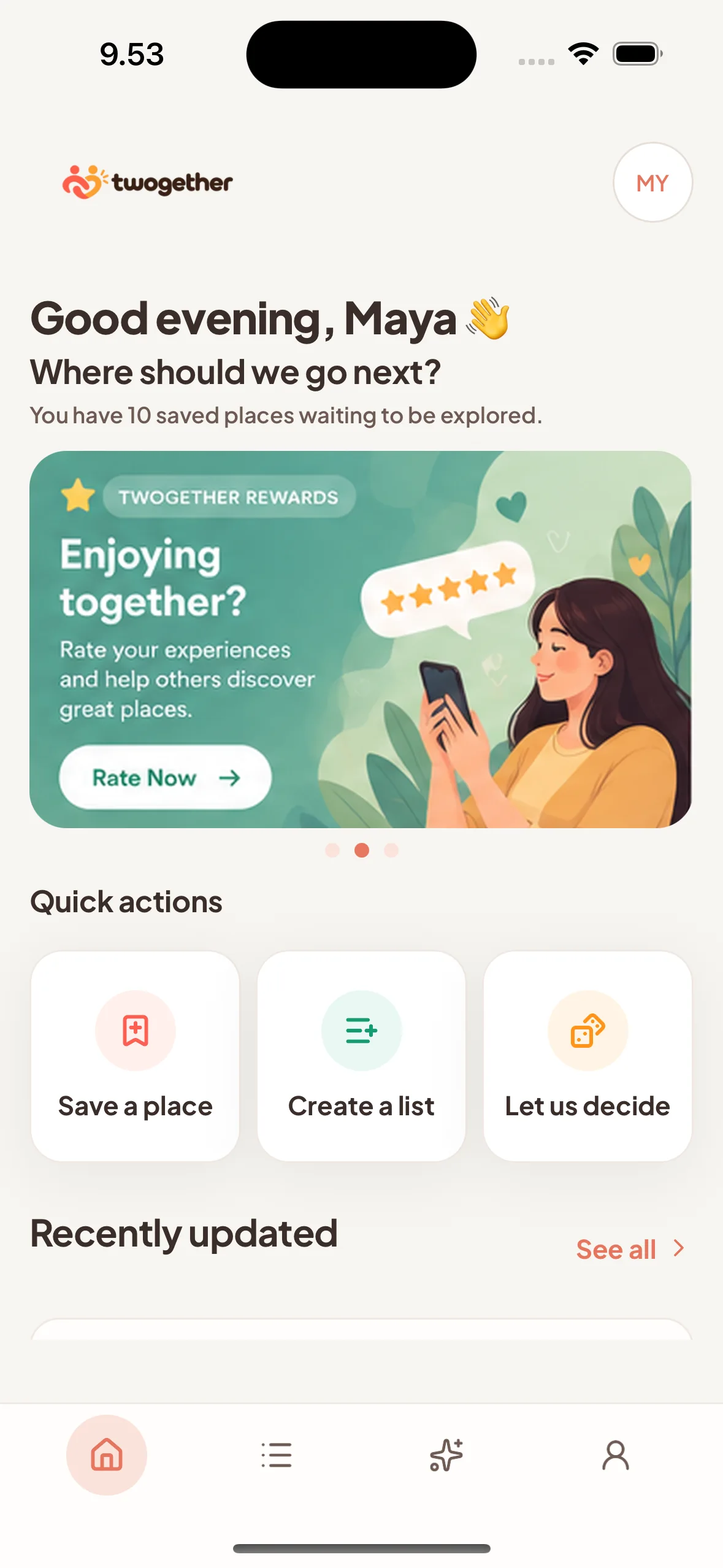
Keep the spark. Skip the copy-paste. Twogether turns a post into a place you can come back to together.
See it
A reel, a TikTok, a link — anything that makes you say “we should go.”
Share it
Use the native share sheet. AI pulls out the place details for you.
Saved to your shared list
Give it a quick look, pick a list, and it’s there for both of you.
WHY IT WORKS
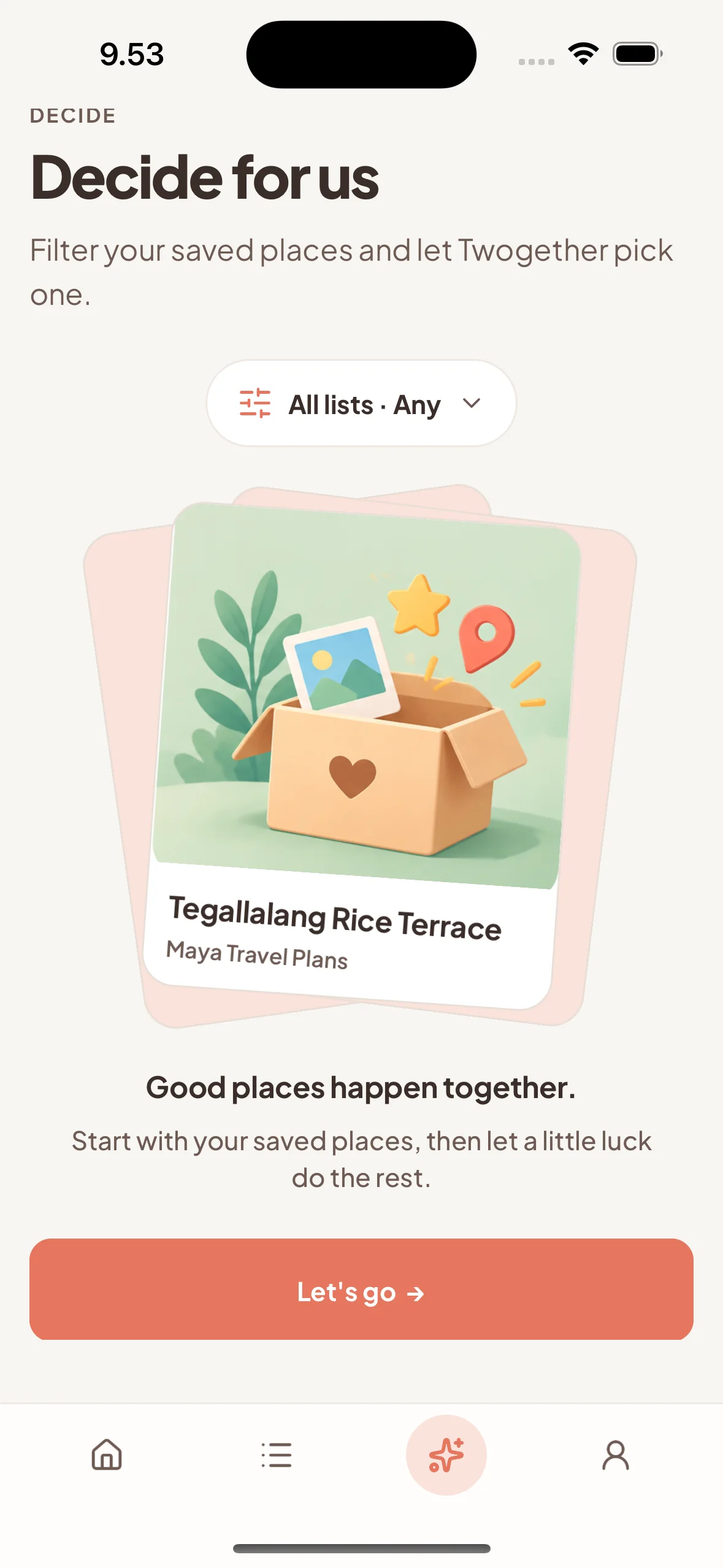
A shared list makes “what should we do?” way easier.
Notes and map pins are great for one person. Twogether is where the two of you can see the same ideas, add to them, and choose without starting from scratch.
One list, both of you
Every good find lives in the same place, not in two separate save folders.
Add to it as you go
Keep building your date-night, weekend, or “someday” list together.
Pick when it’s time to go
Open one list and choose from places you already know you’ll like.